
 Part of VartaAPI WhatsApp
Flow builder
A no-code WhatsApp chatbot builder
Build a WhatsApp chatbot by dragging boxes. No code and no developer: drop nodes on a canvas, wire them together, and your bot greets every new customer and routes them to the right place.
Visual canvas
Drag cards, draw the connections, and see the whole conversation at a glance.
Branch on any answer
Route people by what they tapped, a tag they carry, or a saved attribute.
Hand off to a human
Pause the bot, assign the chat, and let an agent take over mid-conversation.
Flow builder
Nodes for the whole conversation
Ask questions, show buttons and list menus, wait, call your own API, then act on the answer.
- ✓Buttons and list menus
- ✓Open questions saved to contact attributes
- ✓Conditions, delays and timeouts
- ✓External API calls mid-flow
- ✓Keyword and first-message triggers
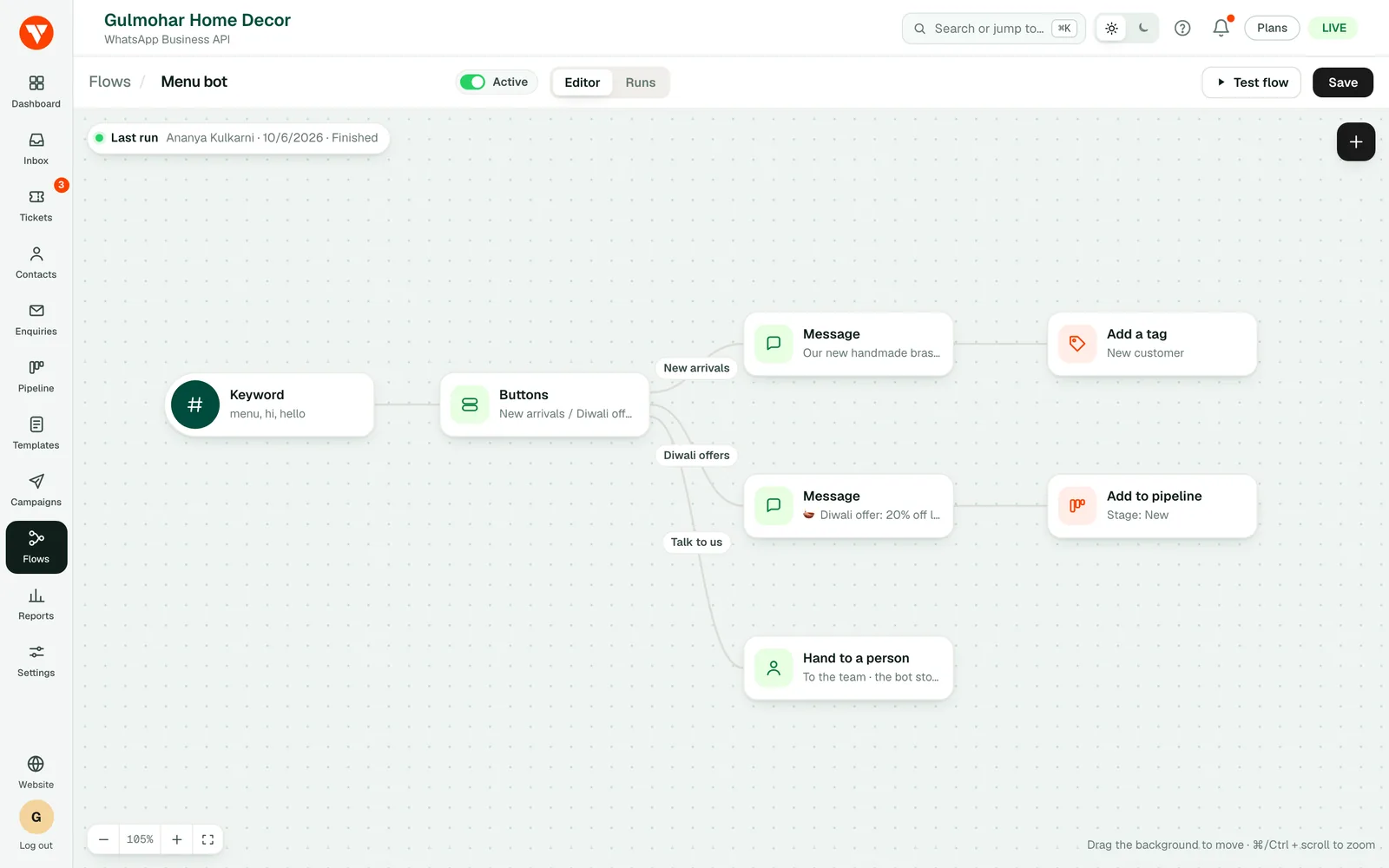
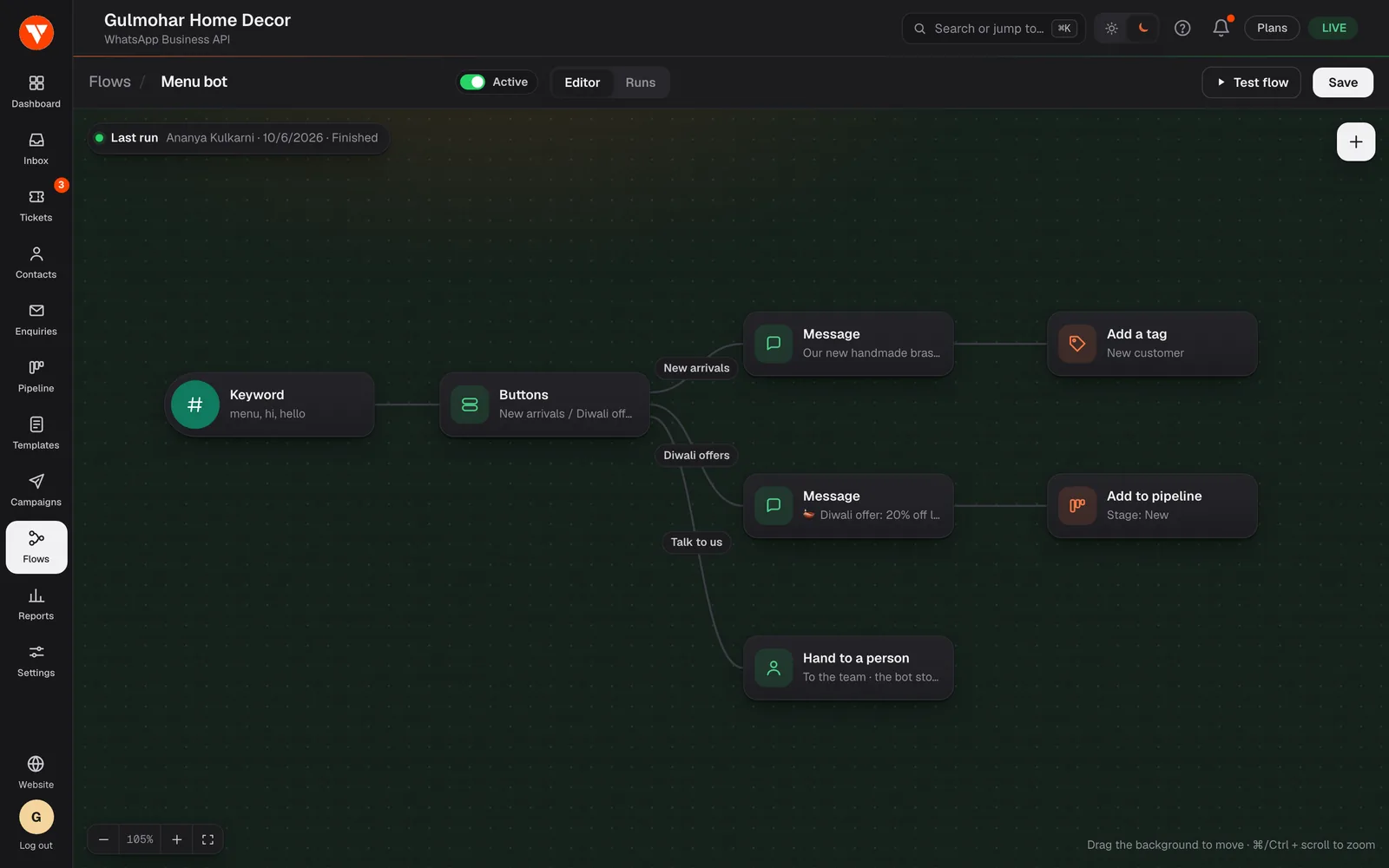
What a WhatsApp chatbot can do without any code
A flow is a conversation you draw. Start from a trigger, add steps, and connect them: the bot greets a new customer, shows buttons or a list menu, asks a question, saves the answer, then sends the customer to the right place. It follows the rules you draw, so it does what you built and nothing else. (An AI agent that writes its own answers is not available yet; see the AI agent page.)
Nobody has to write code. A shop owner can build a welcome flow in an afternoon: greet, offer "Prices", "Order status" and "Talk to a person", and route each choice. Or start from one of the ready-made flows, which you can try on a phone before you sign up.
Triggers and steps
A flow can start from a keyword a customer types, from the first message a new contact sends, or from a webhook sent by your own software, for example when an invoice is raised. See the developer page for how another system starts a flow.
The steps are: send a message, send an approved template, ask a question, ask for an address, ask for a location, send media, show buttons, show a list menu, hand the chat to a person, check a condition, repeat for each item in a list, wait, set a contact attribute, add a tag, add the contact to the sales pipeline, raise a support ticket, and call an API. You can give a step a path to take if it fails, and rejoin branches afterwards.
Test it before it reaches a customer
The test flow walks through your chatbot step by step and sends nothing, so you can see the path it would take. After it is live, run history shows each run and what every step did, and the step that failed if something went wrong. The reports page counts runs, finishes and failures for every flow.
Messages that start a conversation still have to be approved templates, because that is WhatsApp's rule. VartaAPI warns you when a step cannot be delivered.
Questions
Questions people ask before they start.
Do I need a developer to build a WhatsApp chatbot?
Is this an AI chatbot?
Can the bot hand over to a person?
Can my other software start a flow?
Will the bot message people who have not written to me?
Which plans include the flow builder?
Ready to try it on your own number?
7-day free trial · No credit card required