
 Part of VartaAPI WhatsApp
Leads & pipeline
WhatsApp CRM and sales pipeline
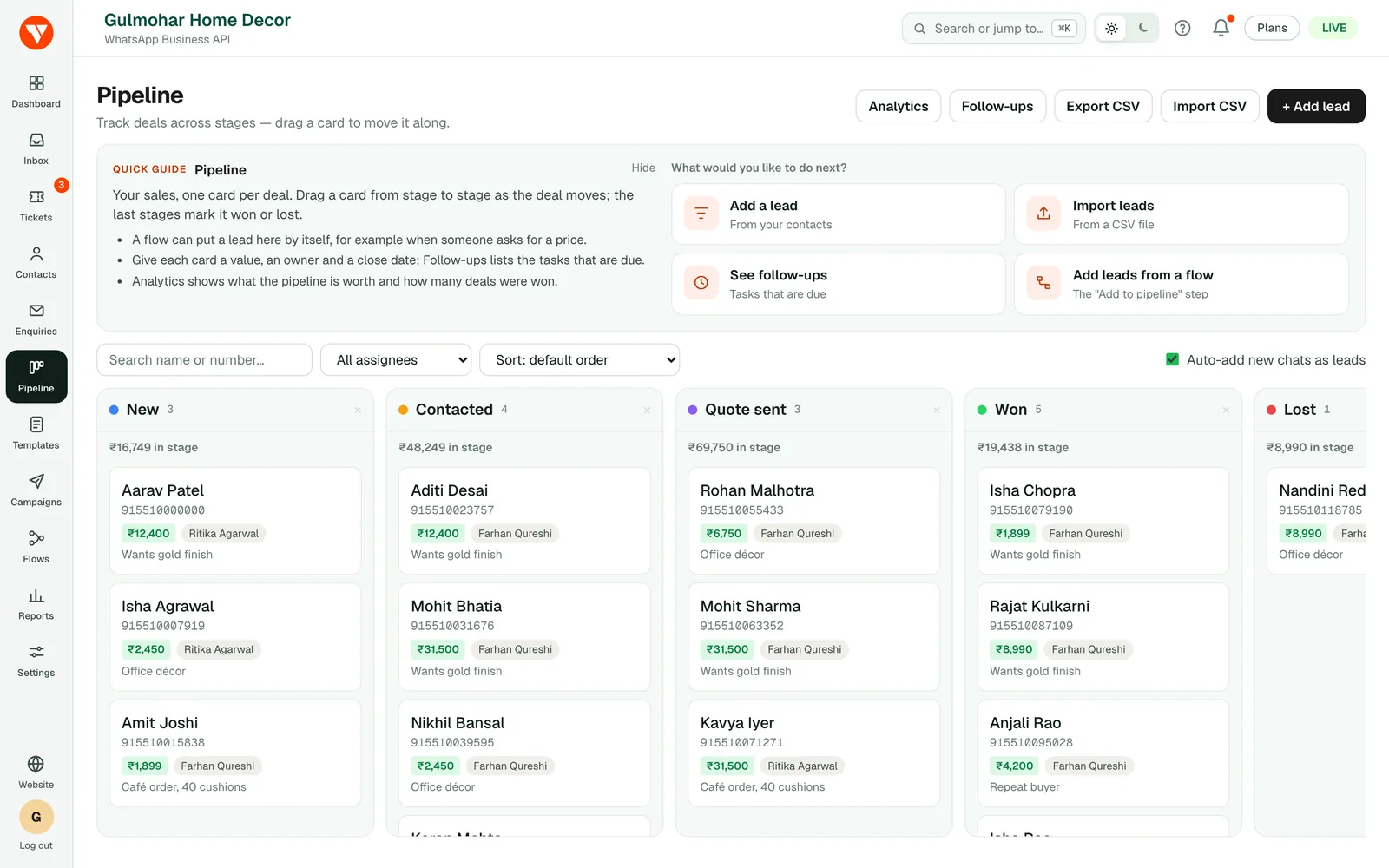
Turn conversations into a sales pipeline. Every chat can become a lead. Drag deals across your own stages, attach a value and an owner, and see what is actually closing.
Stages you define
Name your own pipeline stages and drag cards between them.
Deal value and owner
Track what each lead is worth and who is responsible for it.
Follow-up reminders
Set a task against a lead so nothing sits untouched.
Leads & pipeline
From first message to closed won
Leads can be created by hand, imported from CSV, or raised automatically the first time somebody messages you.
- ✓Auto-create a lead on first inbound message
- ✓Create leads from a chatbot flow
- ✓Chat to a lead without leaving the board
- ✓Won / lost reasons and close dates
- ✓Win rate and value-by-stage analytics
A sales pipeline made for WhatsApp
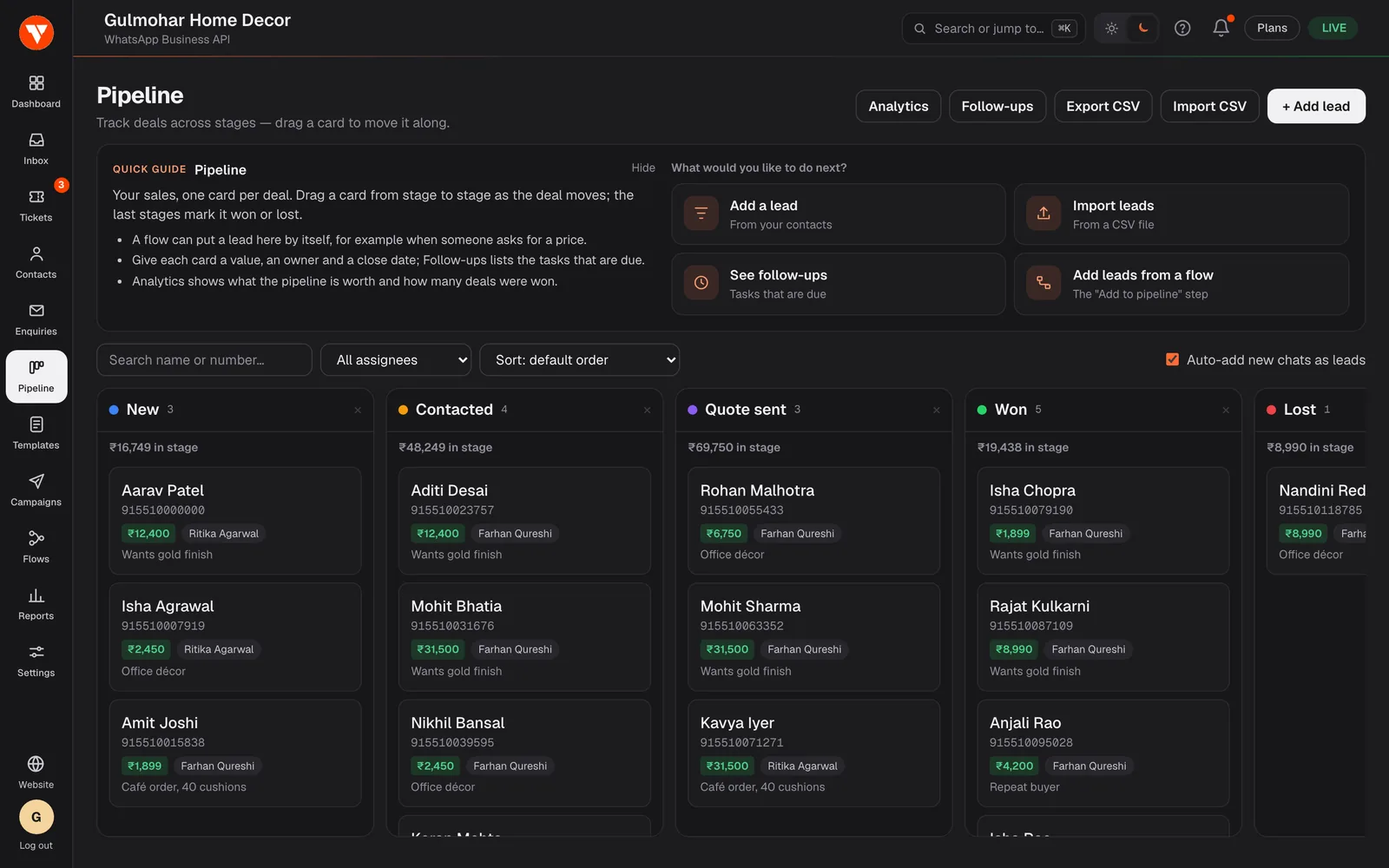
Most WhatsApp sales conversations end up in a spreadsheet by hand. Here the lead is the conversation: a card on a board with stages you name yourself, such as New, Quotation, Negotiation and Won. Each lead can carry a deal value, an owner and an expected close date, and you can open the chat from the card without leaving the board.
When a deal is closed you record it as won or lost with the reason, so later you can see why you win and lose.
Leads that create themselves
Add a lead by hand, import a spreadsheet, let a chatbot flow add one when a customer asks for a quote, or switch on automatic leads so anyone who messages you for the first time appears on the board. Contacts carry tags and custom attributes of your own, and you can save an audience built from them to send a campaign to later.
Each contact also records whether they have agreed to receive your messages, and campaigns skip anyone who has opted out.
Follow-ups and numbers you can act on
Set a follow-up task against a lead with a due date, and an overdue task is marked so it does not sit forgotten. Notes and the whole conversation sit on one timeline.
Pipeline analytics show your open value, your win rate, the value in each stage, where leads come from, and how many are new this week and this month.
Questions
Questions people ask before they start.
What is a WhatsApp CRM?
Is the CRM included, or an extra cost?
Can I import my existing customers?
Can leads be created automatically?
Does it replace Zoho, HubSpot or another CRM?
Can my team share the pipeline?
Ready to try it on your own number?
7-day free trial · No credit card required